
Analyse your Lichess and Chess.com games in one place
Import your Lichess and Chess.com games into Nexa chess to review your performance without switching platforms. Gather your games, spot patterns, and turn every analysis session into an improvement plan.
Also on Android


Which part of your game is strongest?
We analyse your Lichess or Chess.com games and show your level in opening, middlegame, and endgame separately. See where you perform best, where you struggle, and what to focus on when you study.

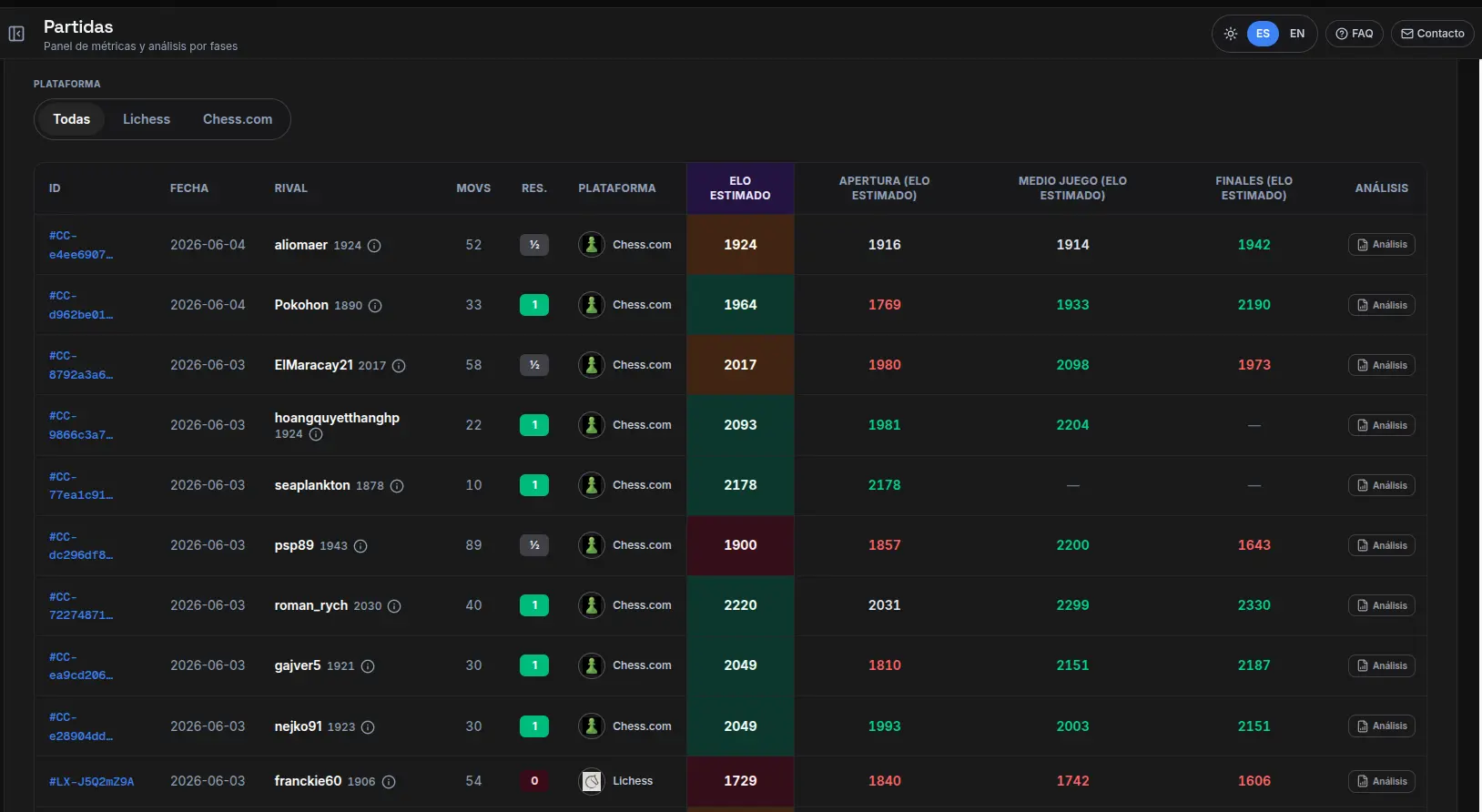
All your games in one place
Lichess and Chess.com in one list. For each game you see the estimated rating level you played at — overall and by phase: opening, middlegame, and endgame.
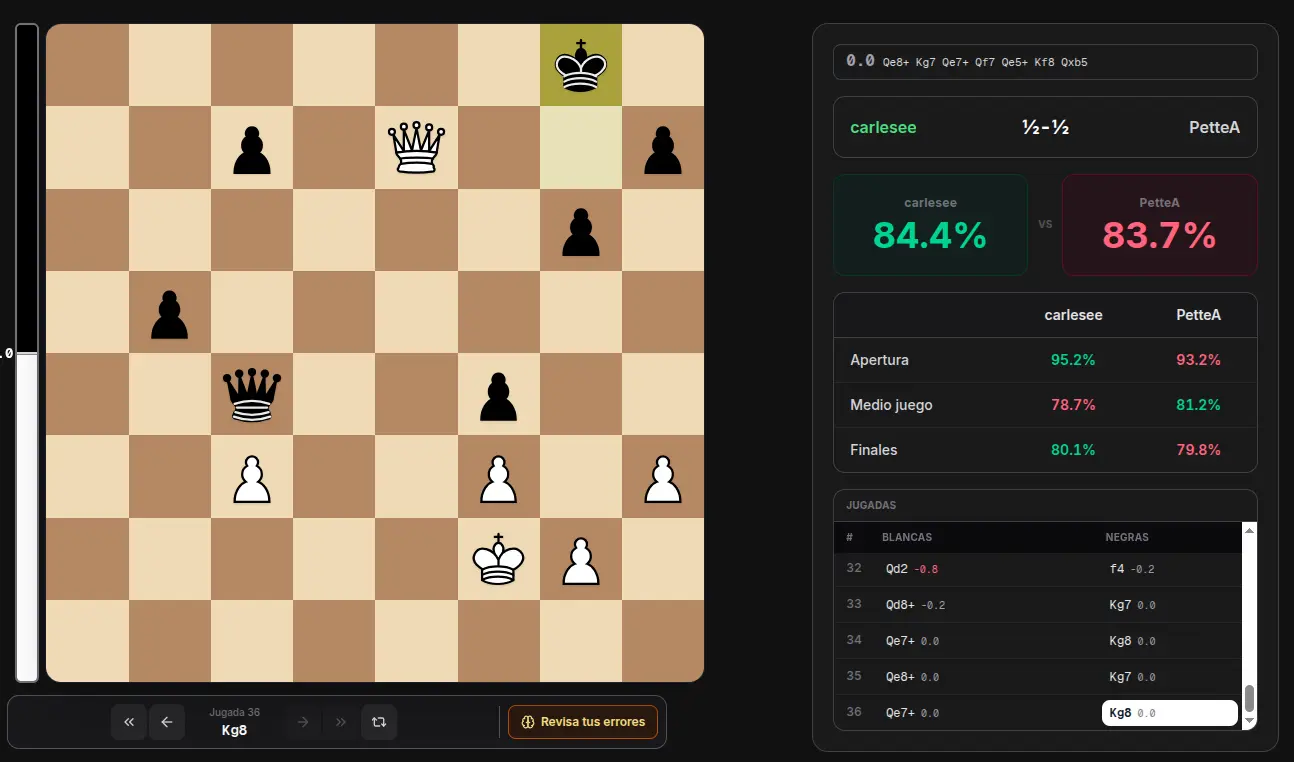
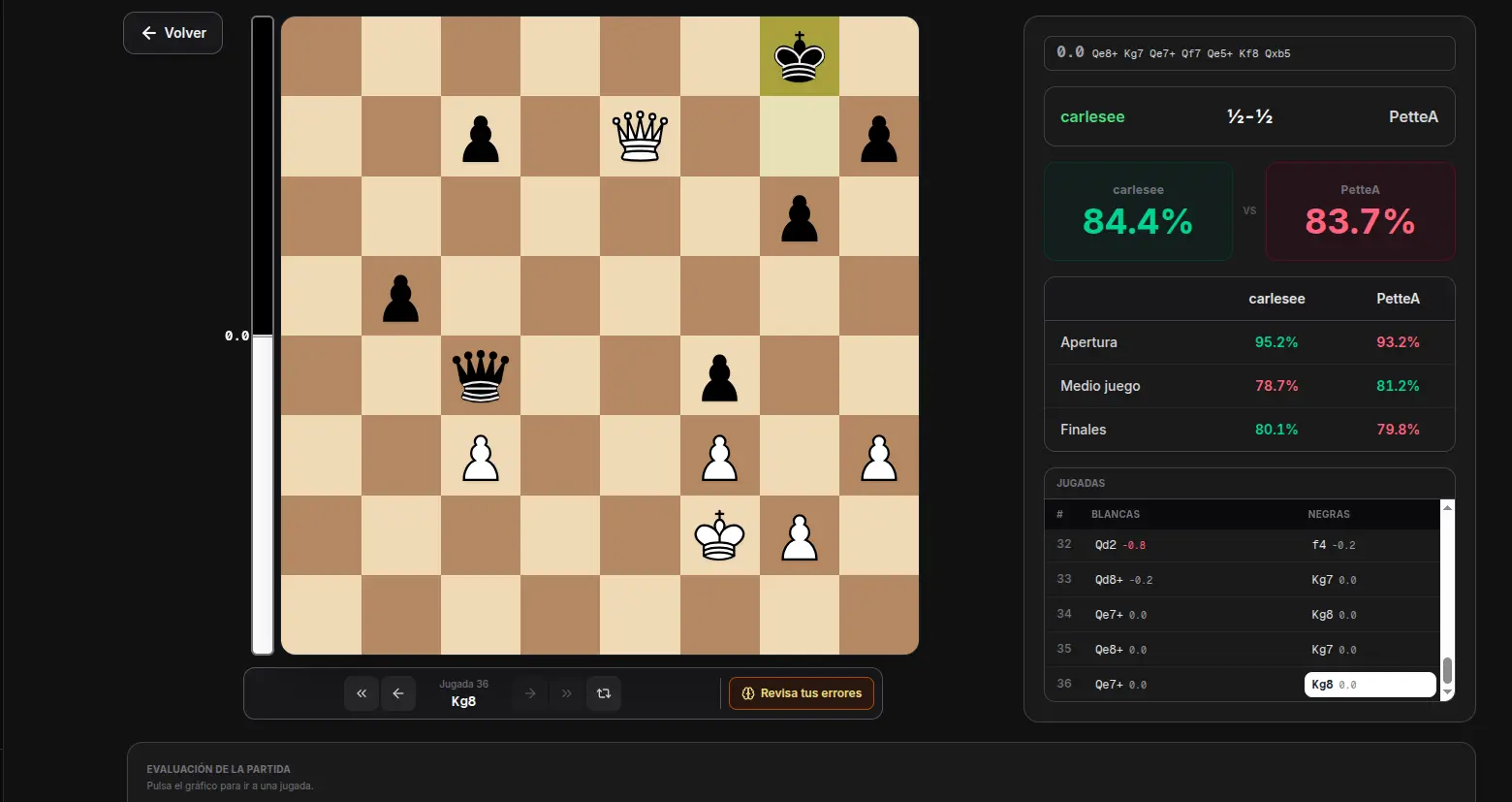
Review your mistakes game by game with Stockfish
Nexa chess uses Stockfish to review key positions and evaluate your moves one by one. See where the evaluation swung, which mistakes keep repeating, and what decision you can improve in your next game.

Which part of your game is improving lately?
Track your game week by week. Compare opening, middlegame and endgame over time and see whether what you study actually shows up in your games.
What FIDE rating would your online play translate to?
Your Lichess or Chess.com rating does not always map cleanly to a FIDE number. We estimate it from public tables and analysis of your online games, so you get a comparable benchmark without waiting for official tournaments.
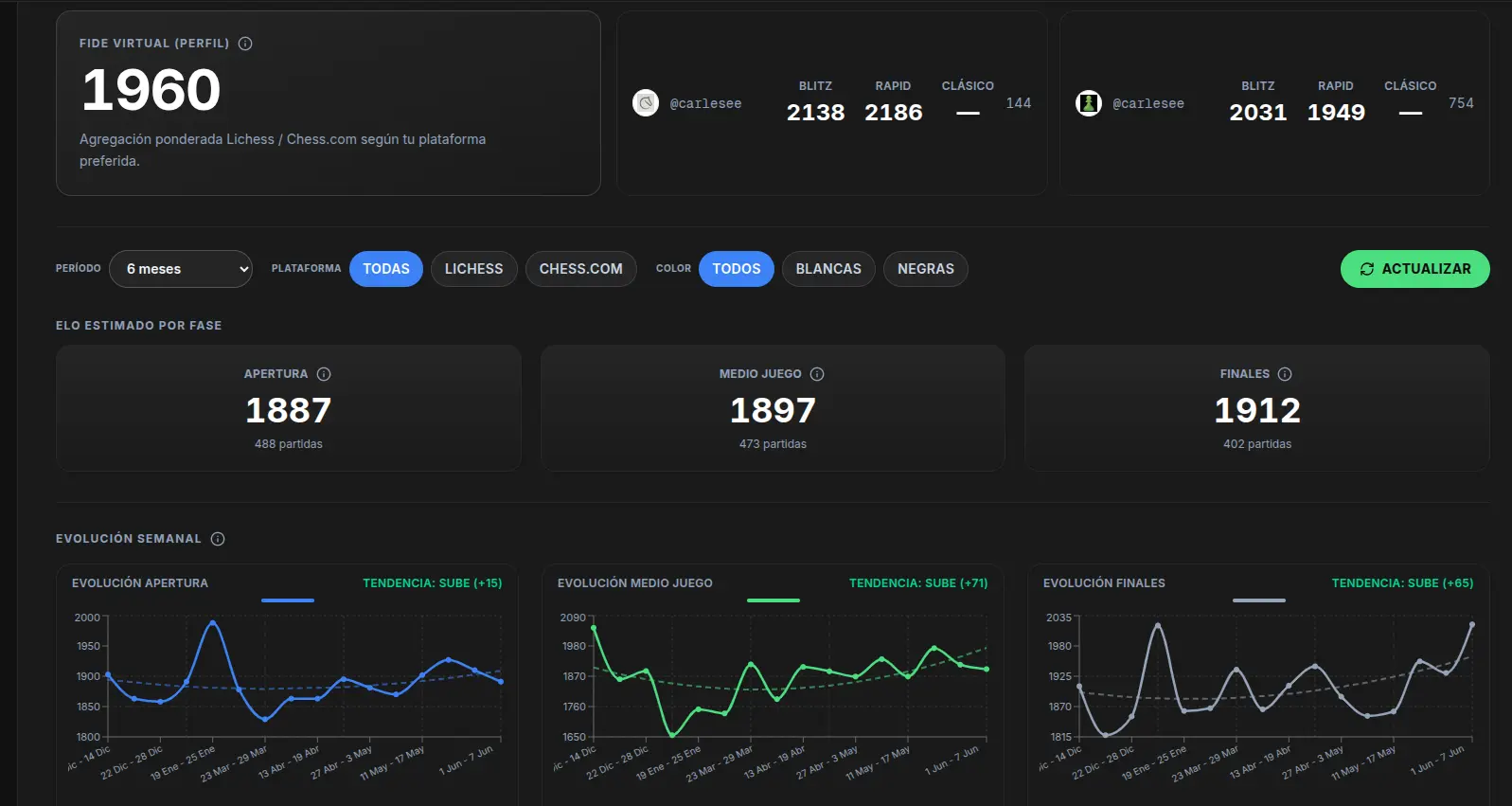


Everything you need to improve with your own games
Recurring mistakes: discover the errors that show up most often in your games.
Automatic import: gather your Lichess and Chess.com games in one place.
Move-by-move analysis: review critical positions with Stockfish evaluations.
Weekly tracking: compare your performance with weekly charts and see whether your mistakes decrease over time.
Phase analysis: split your results into opening, middlegame, and endgame so you know what to train.
ECO openings: use opening analysis by ECO line to see how you perform in each opening from your own games.
See the FAQ on opening analysis and game tracking to learn how to import your games and review your mistakes. You can also see how Stockfish analysis works and explore your weekly performance tracking.
Learn to analyze your games
Guides to improve at chess by reviewing your own Lichess and Chess.com games.
How to analyze your chess games
A method to review your Lichess and Chess.com games and turn mistakes into concrete improvements.
Read guide →How to correctly use an analysis engine
How to interpret Stockfish so you learn, without letting the engine think for you.
Read guide →The importance of reviewing your games
Why reviewing your own games pays off more than only studying master games.
Read guide →Common opening mistakes
The opening mistakes that repeat most often, and how to correct them with your stats.
Read guide →Get started in three steps
- 1
Create your account
Free, no card needed.
Sign up → - 2
Link Lichess or Chess.com
We import your game history.
Sign in → - 3
Discover your strengths
Analysis ready in your dashboard.
Go to dashboard →
Free forever
Analyse your Lichess and Chess.com games in one place
Import your games, review mistakes with Stockfish, and turn every analysis into an improvement plan.
Start freeOr download the app